Перейти к основному содержимому
Offline speech-to-text for Linux, macOS and Windows

A thought that becomes text instantly.

Linux · macOS · Windows · ~3 GB on first run
Open-source core·54-FZ receipts (RU)·Local history
Speech Dock
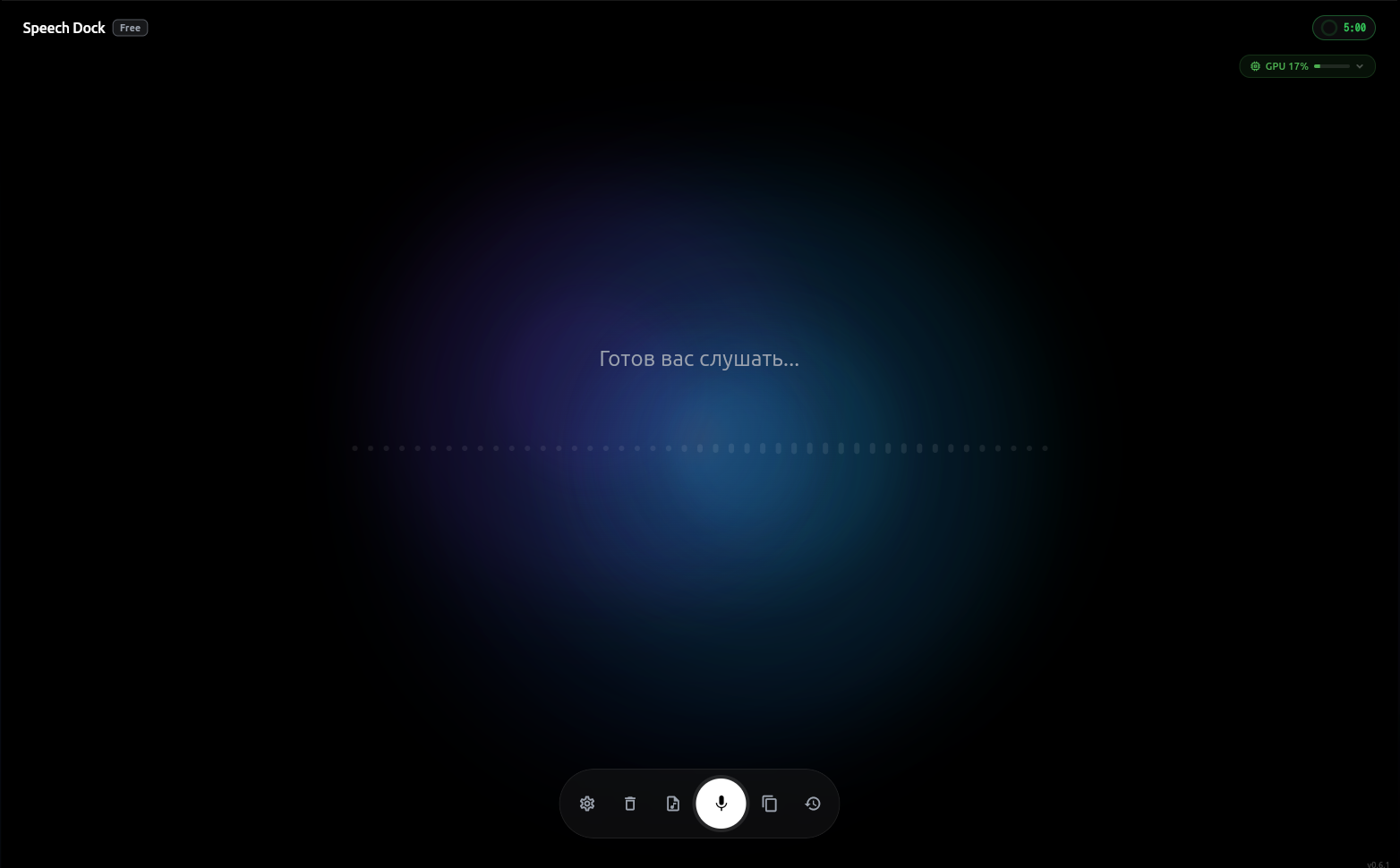
Speech Dock main screen for offline voice input
00:04
5× faster than typing

Say a sentence in seconds.
Typing it takes a whole minute.

The same text. On the left — by voice, on the right — by hand. Press Space to replay.

Voice
0wpm
dictating…
Keyboard
0wpm
typing…

Per independent Stanford research (2016): speech is on average 3× faster than typing. Source

6.4 h
saved on typing per week
at 2 hours of text per day
220
words per minute by voice
vs 40 on a keyboard
97%
recognition accuracy
in Russian and English
0 bytes
leaves for the cloud
processing stays local

Voice input that works as part of your system

Speech recognition, text clean-up, a personal dictionary and tuning to your computer — it all runs right on your device, with nothing sent to the cloud.

Your voice stays on your device

Recognition and text processing happen right on your device, with nothing sent to the cloud. Medical, legal and any other confidentiality stays with you.
All your recordings stay protected

History, text and settings are stored on your device in encrypted form, and the access key stays only with you.

Recognition that understands your language

Understands natural speech across many languages — colloquial phrasing, professional terms and sentences that mix words from different languages.

Turns speech into ready-to-use text

Helps shape what you said: removes filler, adds punctuation and paragraphs, and delivers the result as dictation, a note, a message or a to-do list.

Knows your names, brands and terms

A personal dictionary accounts for the names of colleagues and clients, product names and professional terms during recognition, not just after.

Adapts to your computer on its own

The app finds the right balance of quality and speed for your device and keeps the result from getting worse.

Runs locally on Linux, macOS and Windows.

Developers

Works everywhere
you write.

Scroll down — cards move sideways
debounce.js — ~/projects/utilsREC
00:04
01// User holds the hotkey and dictates
02function debounce(fn, delay) {
03 let timeoutId;
04 return (...args) => {
05 clearTimeout(timeoutId);
06 timeoutId = setTimeout(() => fn(...args), delay);
07 };
08}
09
10// Returns a function that delays the repeated call
Developers

Prompt by voice

Understands syntax, libraries and frameworks — dictate code and prompts straight into the editor without fixes.

Works in
VS CodePhpStormCursorZed
Team · #symphony
K
katya 10:02
R
robert 10:19
Hi team! This is the final week of the project — let's keep everything under control. @katya please share the status.
Message #symphony · hold to dictate
Customer support

Reply by voice

Dictate a reply and it becomes a tidy message to the customer — no switching between windows.

Works in
ZendeskSlackTelegram
Agreement — Docs

Service agreement

The parties have agreed on the following:

The contractor delivers the services by the 30th, and payment is made within five business days of signing the acceptance act.
Dictating…
Lawyers, doctors, teachers

Documents by dictation

Contracts, medical notes, lecture notes — speak your thought and it lands in the document as ready paragraphs, never leaving your device.

Works in
WordGoogle DocsNotion
Mail — Inbox
To Michael Robbins
Subject Marketing proposal

Hi Michael!

Please take a look at the proposal — I highlighted three key points: targeting, the Q3 budget and launch timing.
Dictating…
Business email

Emails by voice

Say the gist — the app shapes it into a ready-to-send email in the right tone.

Works in
GmailOutlook
AnyaA
today
Are you going to the meeting today?
We start at 9 😅
yes! running a bit late, will be around 9:30
Message
Personal messages

Tone to match the person

Professional for work, casual for close ones — the message style adapts on its own.

Works in
WhatsAppTelegramDiscord
01 / 05

What the app looks like.

One dock. No menus, no windows, no tabs. Everything one keystroke away.
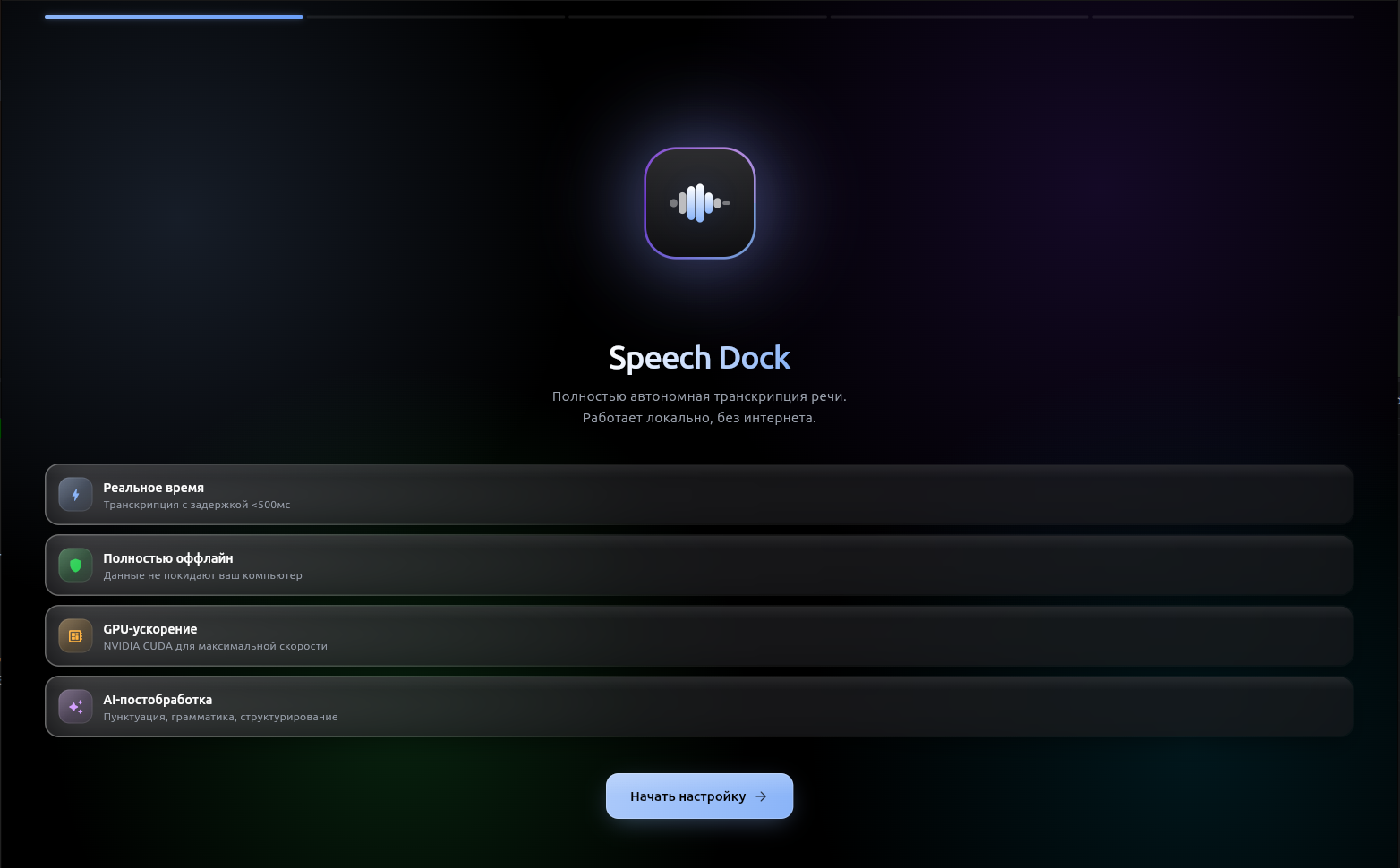
Speech Dock — Main screen
Main screen
First setup

Ready to dictate. A minimal dock with settings, history, and copying.

Privacy

Privacy without promising “no network ever”.

Voice input runs locally, but the website and purchase flow still use normal network services. These zones should stay separate.

Learn about privacy

Stays on your computer

  • Dictation audio and intermediate STT processing
  • Local history if you enable it in the app
  • Custom dictionaries and work terminology

May use the network

  • Initial download of recognition components and updates
  • Checkout, receipt and license via the website and YooKassa
  • Optional support requests or legal forms

Speech Dock vs
the usual options.

How it compares with what you'd actually consider for voice input — cloud services and built-in dictation.

Speech Dock Cloud services ? Built-in dictation ?
Your data never leaves your computerdepends on OS
Works in any appvia extensionslimited
Understands many languages and your termsdependsbasic
Shapes ready-to-use text: punctuation, paragraphsdepends
Works offlineyes, but basic
One-time purchase, no subscriptionsubscriptionfree, but basic

Choose your plan.

Pro Yearly — save 25%. Lifetime — one payment, forever.

Free
$0
forever
  • 30 minutes of speech per month, up to 5 minutes per recording
  • Auto-punctuation and capitals
  • Text cleanup for your task
  • Export to TXT
  • 1 device
Download
Pro Monthly
$5
every month
  • Unlimited dictation
  • Transcribe audio and video files
  • Custom terms and names dictionary
  • Export to PDF and Markdown
  • Local history encryption
  • Up to 3 devices
−20%
Pro Yearly
$48
per year · $4/mo
  • Save $12 per year
  • Everything in Pro Monthly
  • Priority support
Lifetime
$99
once, forever
  • Everything in Pro Yearly
  • Bring your own models
  • Up to 5 devices
  • All future updates

Russian-issued cards only · NPD (self-employed) receipt from YooKassa via email · 14-day refund window

International billing (USD and EUR) coming soon. For now, payment is accepted in RUB via YooKassa.

Terms of use · Privacy policy

System requirements and tradeoffs.

Local processing depends on memory, disk and first-run setup. A GPU is optional, but supported accelerators may reduce processing delay.

Linux

  • OSUbuntu 22.04+, Fedora 38+, Debian, Arch, openSUSE — best-effort
  • Architecturex86_64
  • RAM8 GB minimum · 16 GB recommended
  • DiskThe required components download during first setup; keep several GB of free space
  • GPUNot required; supported accelerators may reduce processing delay
  • NetworkNeeded to download the required components, plus updates, checkout and license
  • Integrationydotool (Wayland), xdotool (X11)

macOS

  • OSmacOS 11.0 Big Sur or newer
  • ArchitectureApple Silicon · Intel x86_64
  • RAM8 GB minimum · 16 GB recommended
  • DiskThe required components download during first setup; keep several GB of free space
  • GPUNot required; Metal may be used on supported Macs
  • NetworkNeeded to download the required components, plus updates, checkout and license
  • IntegrationAppleScript, Accessibility API

Windows

  • OSWindows 10 or Windows 11
  • Architecturex86_64
  • RAM8 GB minimum · 16 GB recommended
  • Disk~300 MB for the app; the required components download during first setup, keep several GB of free space
  • GPUNot required; NVIDIA — CUDA, AMD/Intel — DirectML
  • NetworkNeeded to download the required components, plus updates, checkout and license
  • IntegrationWin32 API (global hotkeys, auto-paste, clipboard)

Ready to try?

Download the app, complete first setup and fetch the required components for local recognition.

Mobile app (Android/iOS)

One email for Android and iOS. Unsubscribe in one click.

Frequently asked.

Speech recognition runs on your computer. After the initial component download, voice input does not require a cloud recognition service for every dictation.

Get notified of major releases.